Course sessions
If you want to add several sessions (different dates) to a course, these can be defined under Courses > Sessions. E.g. every week a specific day or several fixed days.
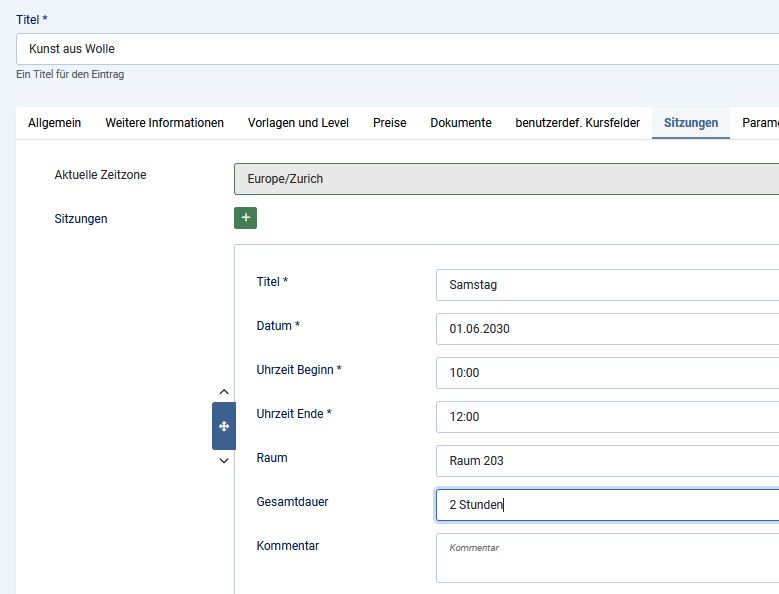
Open the course for which you want to add multiple sessions and select the "Sessions" tab. By clicking on "+New" you can now specify as many sessions as you want and add information such as session name, date, start and end time, duration, etc.
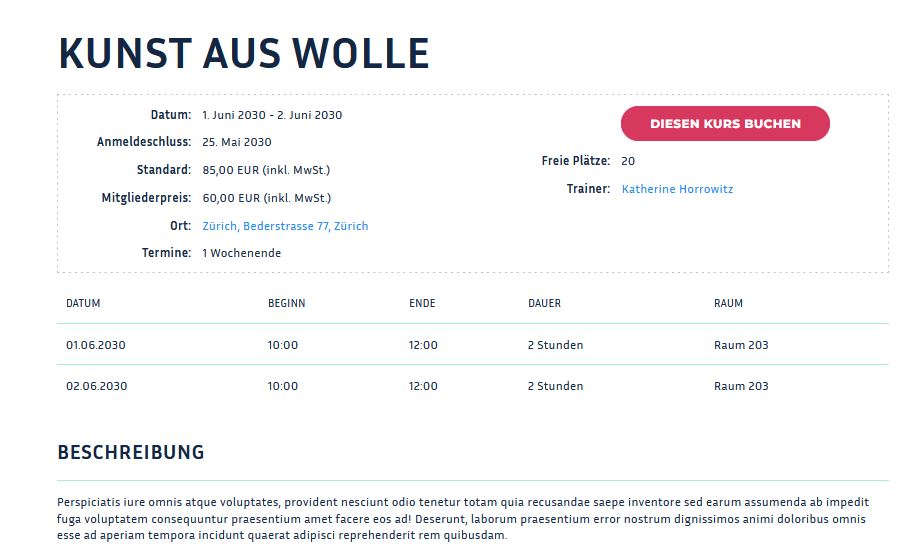
This is an example for two sessions at the frontend: