Invoice number ranges
Unique invoice number ranges can now be assigned to the individual invoices. To create a new invoice number range, select System tools > General > Invoice number ranges. By clicking on the star symbol you can set an invoice number range as default.
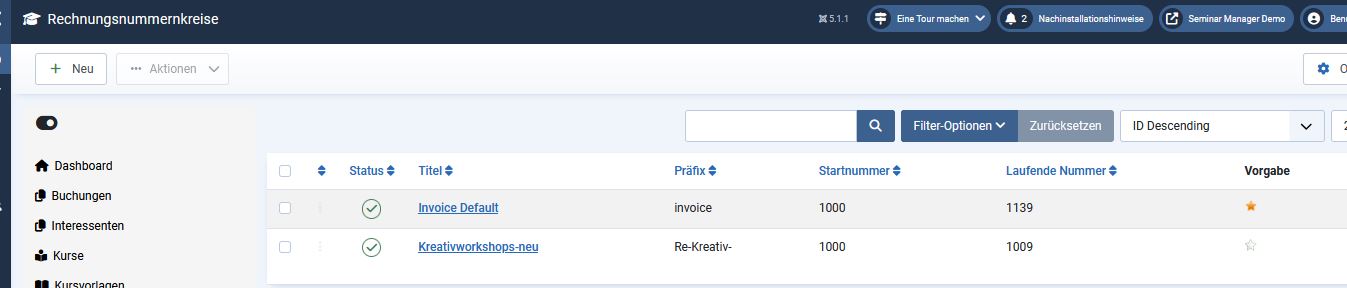
Click on "New" to open a new invoice number range, which you can then adapt according to your requirements.
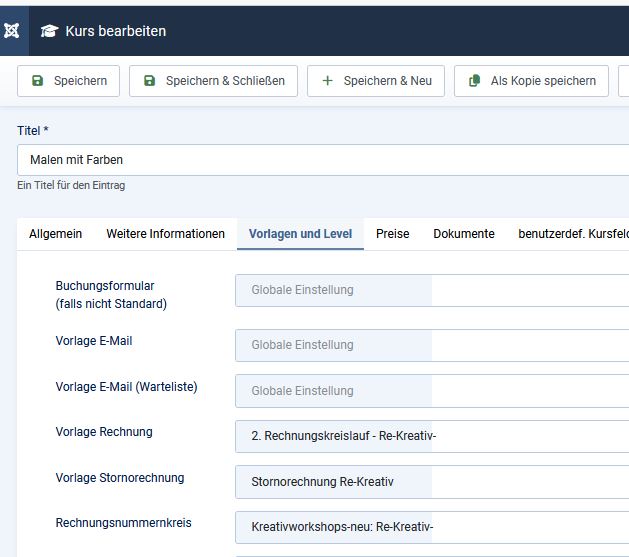
In the settings of the individual courses you can select the desired invoice number ranges in "Tab:Templates and levels".