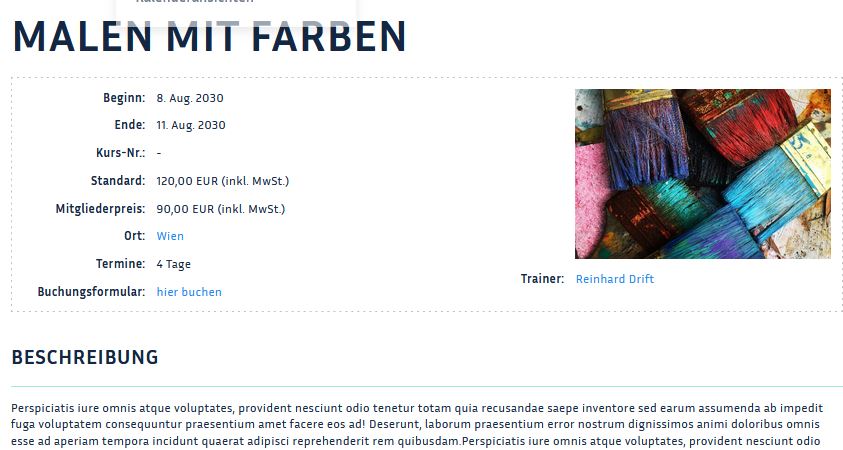
Course detail view
In the course detail view you can restrict which information about the course should be displayed in the frontend.
The course detail view can be found via the "Options" button (Optionen)at the top right corner.
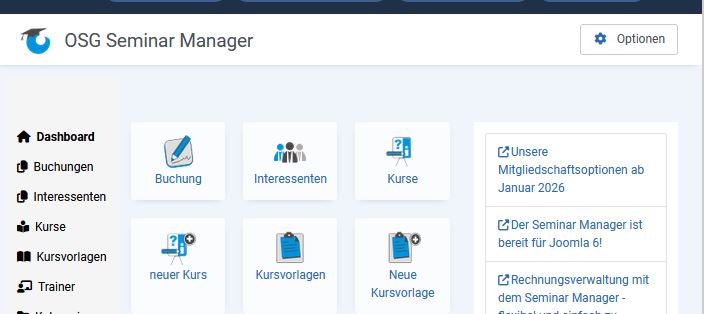
In the first tab "Courses", scroll down to the course detail page.
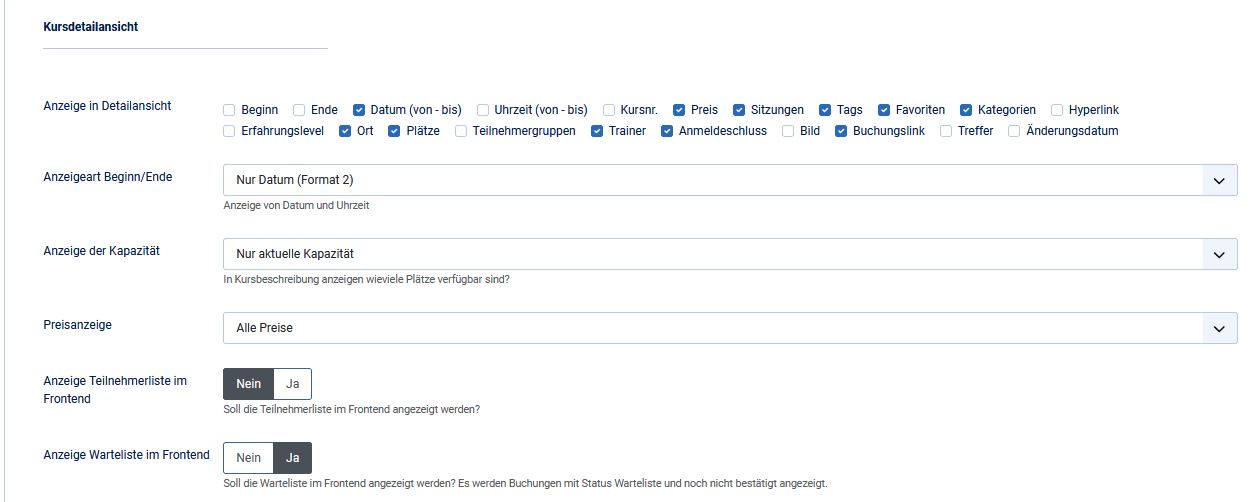
Now you can select the details to be displayed in the frontend. Furthermore, you can determine the display type start/end of the course, the capacity as well as the display of the booking form.
Frontend view: