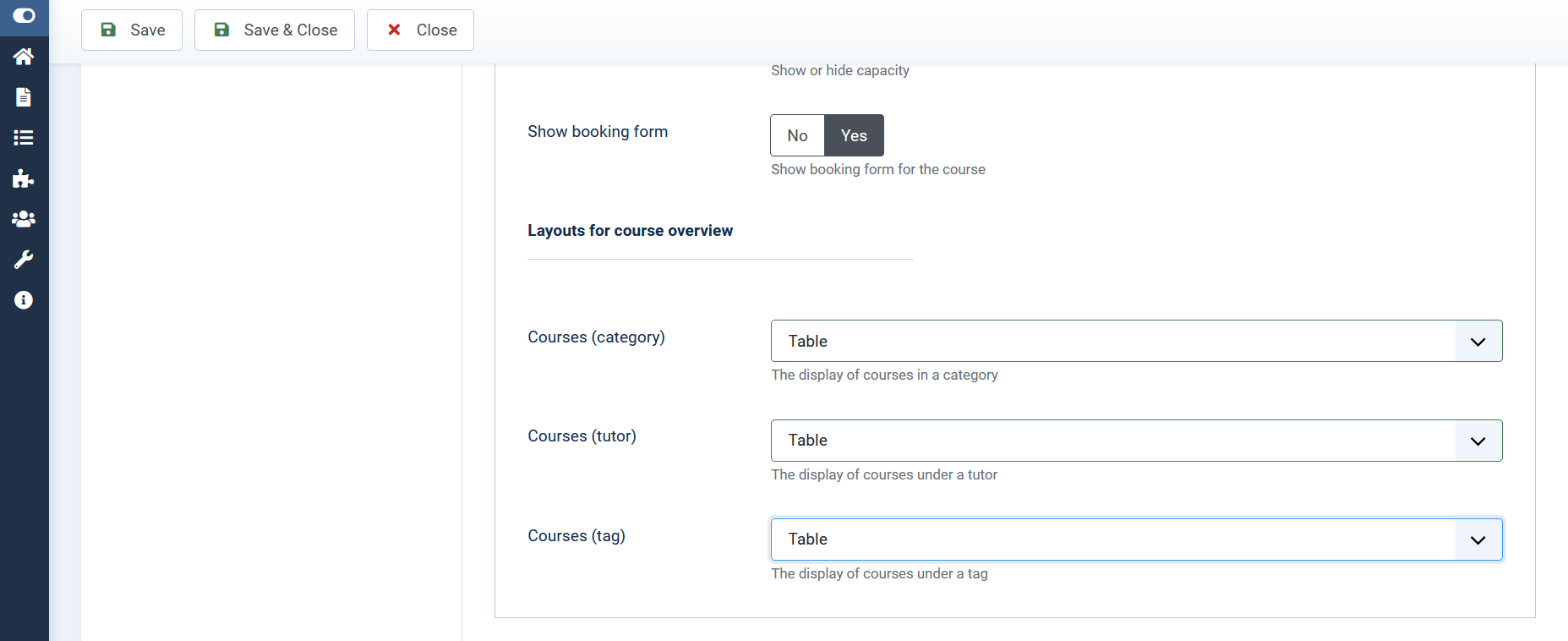
Layouts for course overview
In layouts for course overview you can choose between grid and table.
In order to choose the layout for course overview, open OSG Seminar Manager > "Options" and scroll down in the first tab "Courses" to "Layout for course overview".
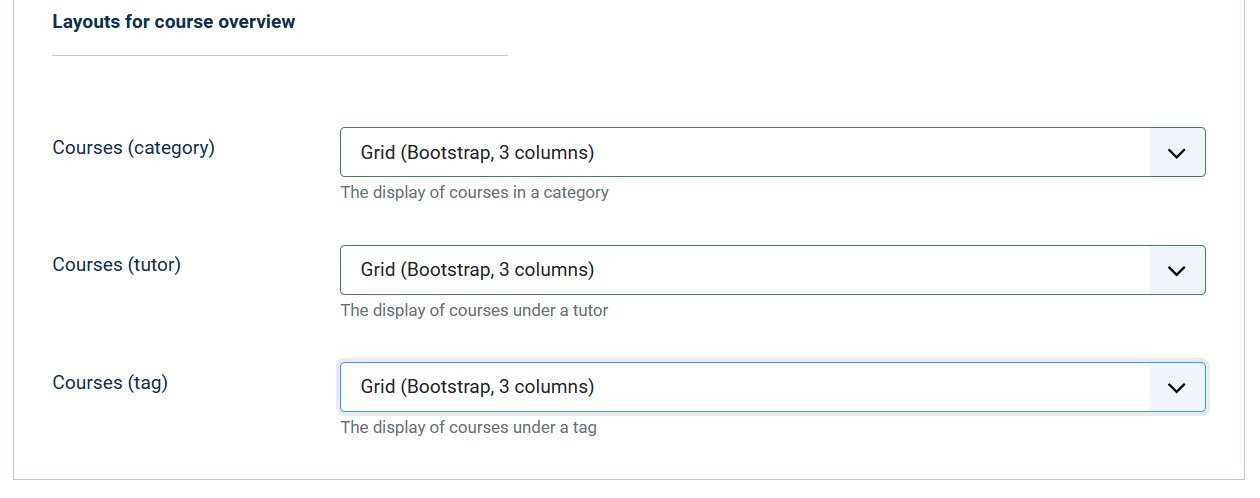
In the drop-down menu, you can select either the table or the grid display of the courses as the layout for category, tutor and tag.
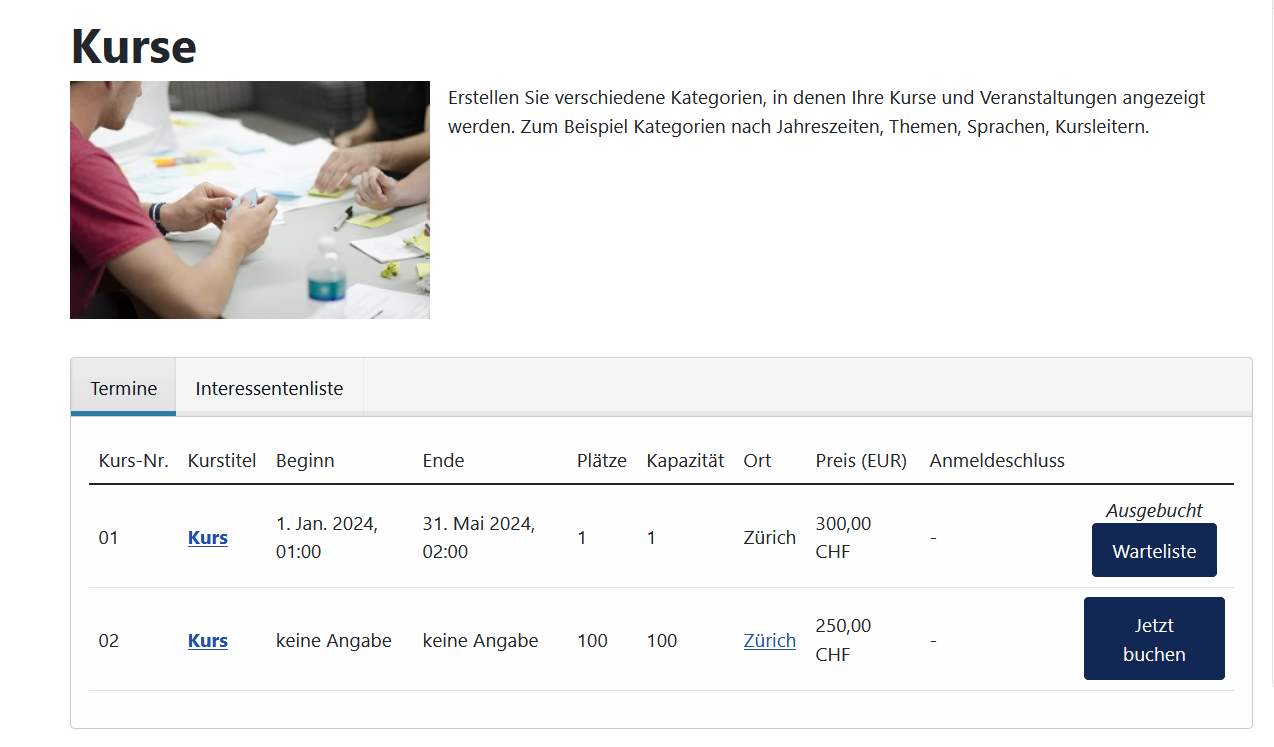
Frontend view table:
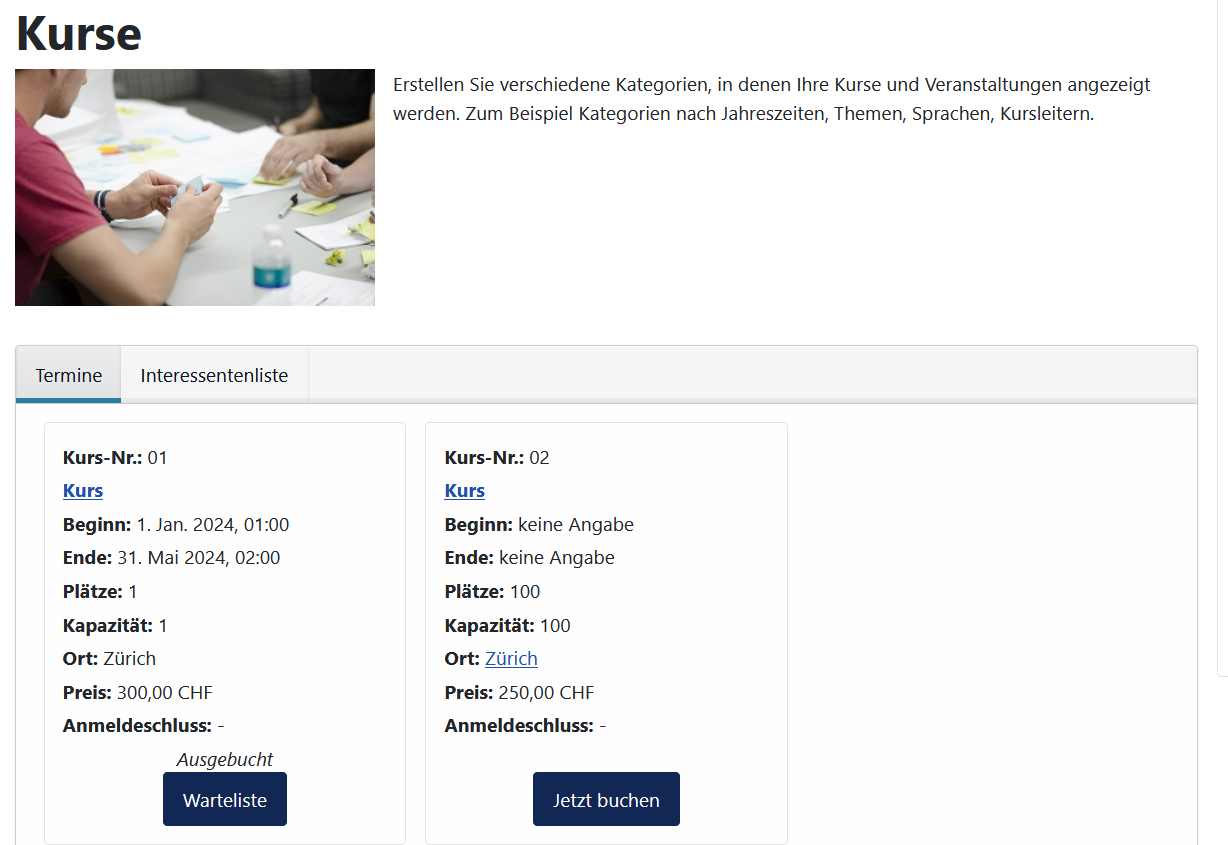
New: With the selection "Grid (Bootstrap, 3-column)" the courses are displayed in grid layout in the frontend.
Frontend view grid: